How to Pay Google Ads with Crypto in 2026 (USDT, BTC, ETH)
Running Google Ads but want to pay with crypto? You're not alone. Whether you're a crypto-native business, a freelancer holding USDT, or running campaigns from a country where credit cards are unreliable, paying Google Ads with cryptocurrency is now totally possible.
This 2026 guide shows you exactly how to fund Google Ads with Bitcoin, USDT, or Ethereum using a virtual Visa card. You'll see costs, limits, and the exact 10-minute setup.
Does Google Ads Accept Crypto Directly?
No. Google Ads doesn't accept Bitcoin, Ethereum, USDT, or any cryptocurrency directly. The platform only accepts credit/debit cards, bank transfers, and PayPal in some regions.
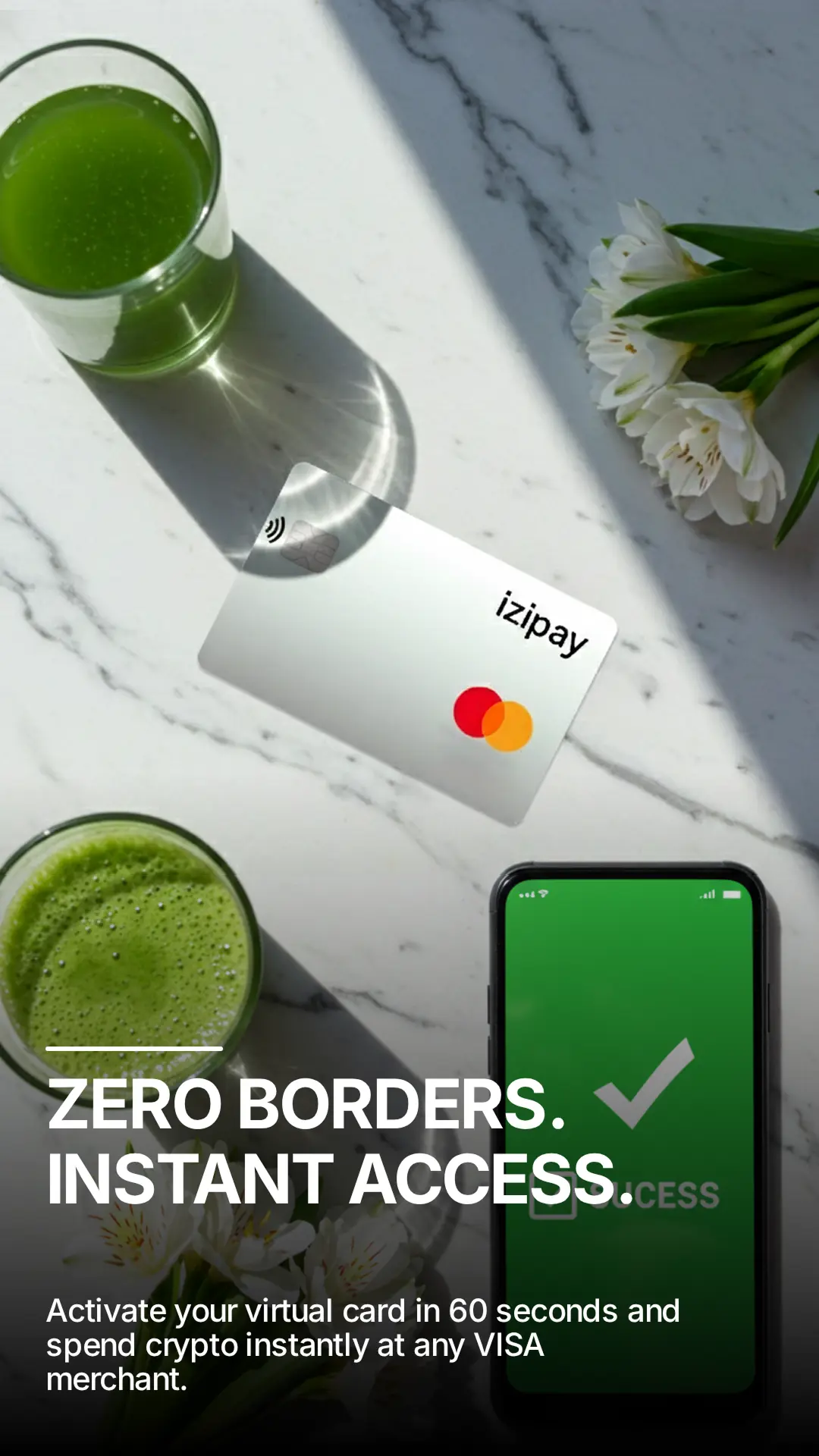
However, there's a simple workaround: a crypto-backed Visa card. Get one from IZIPAY for $49.99, top up with USDT/BTC/ETH, add it to Google Ads. The process takes 10 minutes.
Why Marketers Pay Google Ads with Crypto
1. Bank Account Limitations
Many countries restrict USD bank accounts. Crypto becomes the easiest path to fund global ad platforms.
2. Speed
Bank wires take 1-5 business days. USDT on TRC20 takes 2-3 minutes for <$1 in fees.
3. Privacy
Many crypto marketers prefer not to link personal banking to ad spend.
4. Crypto-Native Businesses
If your business operates in crypto (DeFi, NFT, exchanges), it's natural to spend in crypto.
5. Card Decline Issues
Backup crypto-funded card gives redundancy when scaling.
Step-by-Step: Pay Google Ads with Crypto in 10 Minutes
Step 1: Register with IZIPAY
Go to izipay.me/register. Email + password only — no KYC.
Step 2: Order Virtual Visa Card
Select Virtual Crypto Card ($49.99). Get deposit address for your preferred crypto.
Step 3: Pay with USDT, BTC, or ETH
Send $49.99 equivalent. TRC20 USDT recommended (~2 min, ~$1 fee).
Step 4: Get Card Details Instantly
16-digit card number, expiry, and CVV appear in dashboard.
Step 5: Top Up Spending Balance
Deposit your campaign budget (e.g., $500 USDT). This becomes available for Google charges.
Step 6: Add to Google Ads
Google Ads → Tools & Settings → Billing → Payment methods → Add. Enter IZIPAY card details. Google charges $0-$1 to verify.
Step 7: Set as Primary & Launch
Set IZIPAY as primary payment method. Launch campaigns. Google charges your card automatically.
Best Crypto for Google Ads
🥇 USDT on TRC20 — Best Choice
Stable, ~$1 fee, 2-3 min confirmation. 95% of marketers use this.
🥈 USDC on Polygon
Super low fees (~$0.10), great alternative.
🥉 USDT on BEP20
Very low fees (~$0.30), fast.
⚠️ Bitcoin or Ethereum
Possible but high fees and volatility. Not ideal.
Common Issues & Fixes
"Card declined" — Ensure balance higher than verification charge. Try different country in Google Ads billing.
"Card not supported in region" — Use VPN matching card region (US/EU).
"Verification failed" — Keep $5+ buffer in balance.
"Campaigns paused" — Card declined for ad charge. Top up balance, Google retries in 24h.
How Much Can You Spend?
IZIPAY virtual cards support $25,000/month without KYC. Above that, optional KYC unlocks higher tiers.
- Small business: $500-3,000/month
- Growing e-commerce: $3,000-15,000/month
- Agency: $15,000-25,000/month
- Enterprise: Consider multiple cards or corporate accounts
Conclusion
A virtual Visa card from IZIPAY bridges your crypto wallet and Google's billing system. Setup: 10 minutes. Cost: $49.99. Top-ups: instant. Monthly limit: $25k without KYC paperwork.